 CommentStream
Objections and promises, at the second
Mark the moment the customer raised pricing or asked for a feature. Your team replies in the thread on that moment, and clicking it plays from there.
14:32 For customer calls, demos and interviews
Meet saves your recordings to Google Drive. Open one, and CommentStream puts the team’s comments beside it: pinned to the second, in threads, with a summary of what the team wrote.
How it works
Meet saves the recording to Google Drive, where your team can already open it.
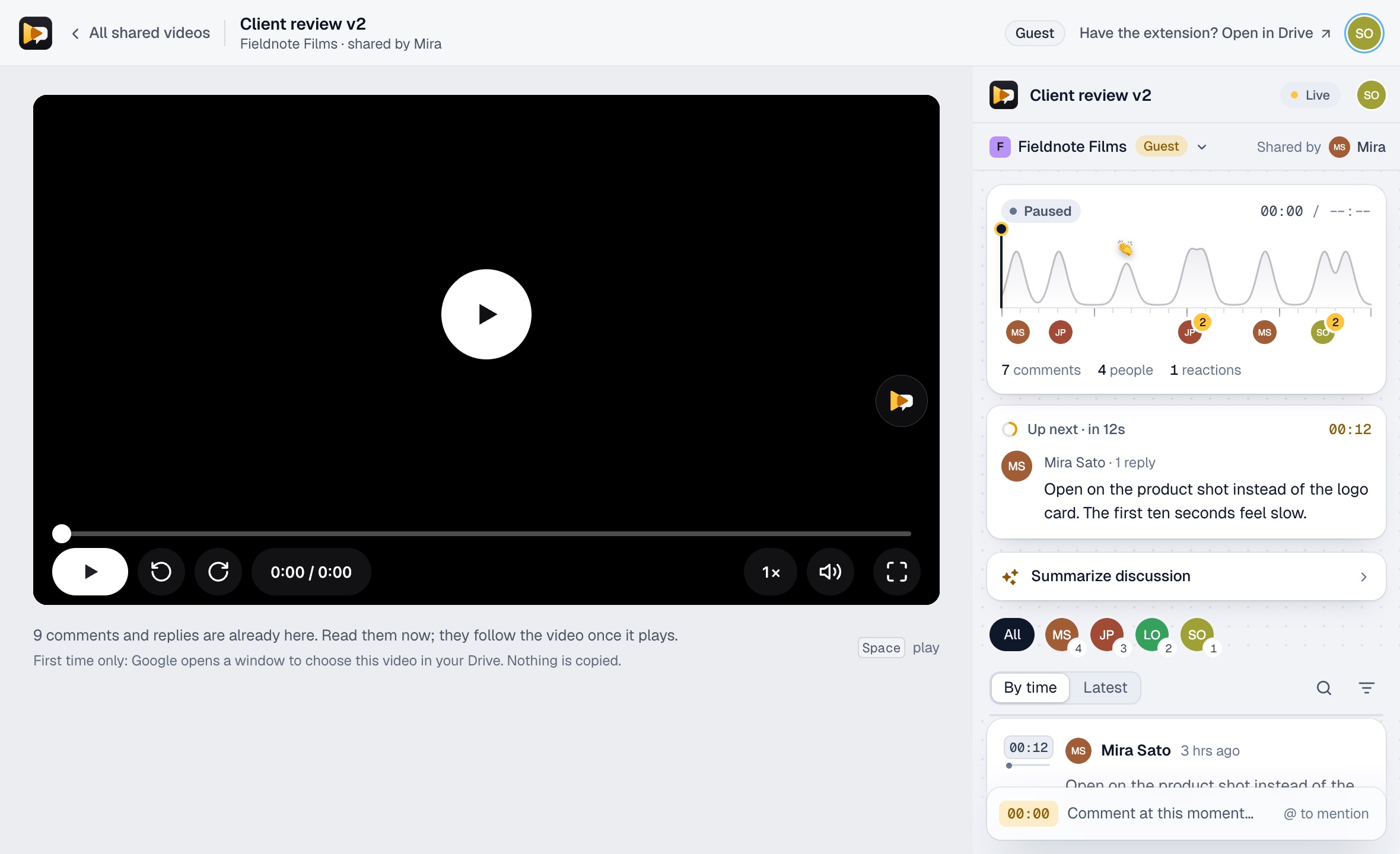
With the extension installed, the CommentStream panel opens beside the recording in Chrome. Nothing is uploaded or copied.
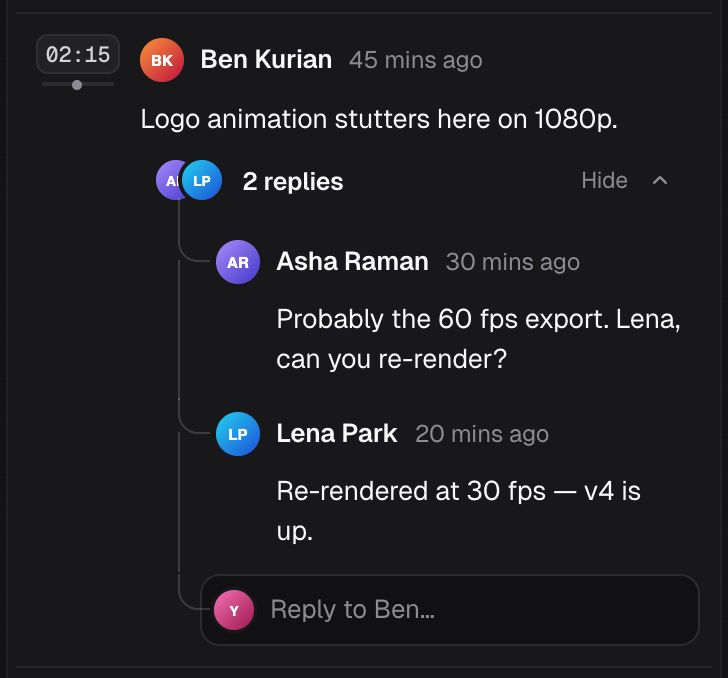
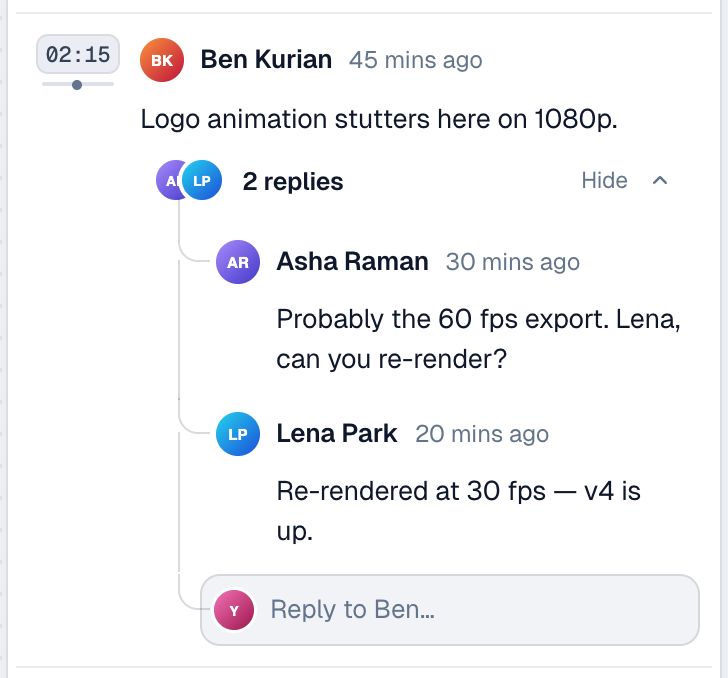
Pause and write. Teammates reply in the thread on that moment, live, and see it in their inbox.
Try it
The real panel and player overlay on a sample video. Comment at a second, reply in a thread and summarize the discussion, the way your team would on a call recording.
The real panel and player overlay, running on sample data. Nothing you type leaves this page. If you use the mic, Chrome sends your speech to Google's speech service to turn it into text; we never receive or store audio.
Why teams use it on calls
Mark the moment the customer raised pricing or asked for a feature. Your team replies in the thread on that moment, and clicking it plays from there.
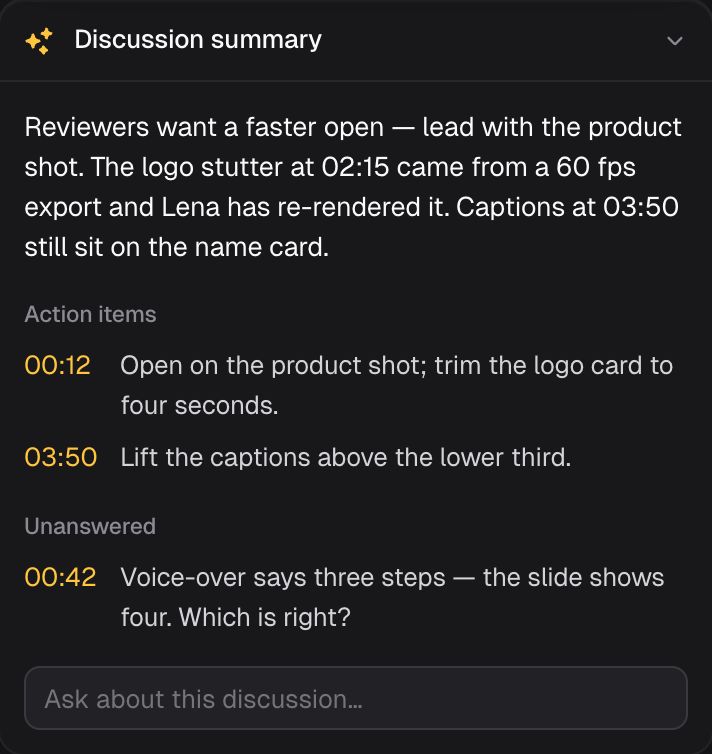
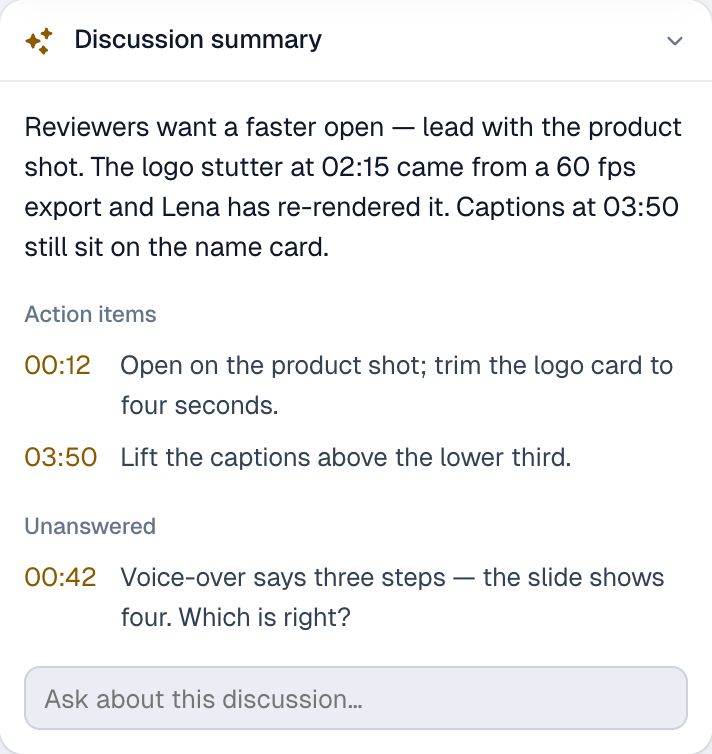
Summarize discussion reads the team’s comments, not the recording, and lists the action items and open questions at their timecodes.
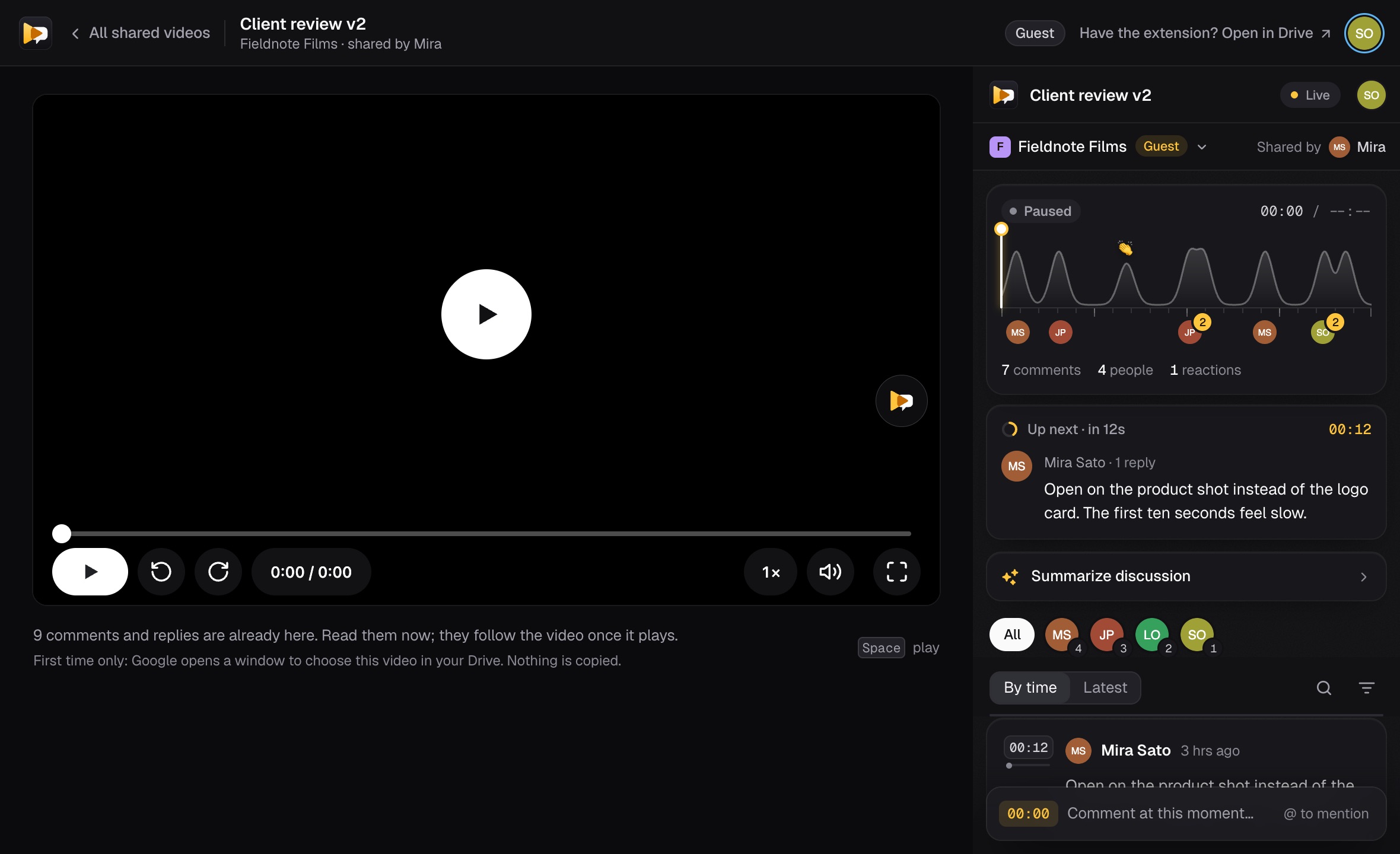
On Pro and Business, invite the customer as a guest. They comment on that one recording in their browser, with no extension and no seat.
FAQ
No. It stays in Google Drive, under the sharing you already set. CommentStream only adds the comments beside it.
Yes, in CommentStream: anyone in your workspace who can play the recording can comment, reply and react, and its Drive sharing stays as it is. In Google Drive itself, a Viewer needs Commenter access to comment.
People in your workspace, or only a group in it when you post there. A guest sees only the recording that was shared with them.
Yes, as a guest on Pro or Business. They need a Google account that can open the recording in Drive, then they review it on the CommentStream website.
No. Summaries are built only from the comments your team wrote on the recording, never from its audio or video.